
Design Palettes
The word works palette »
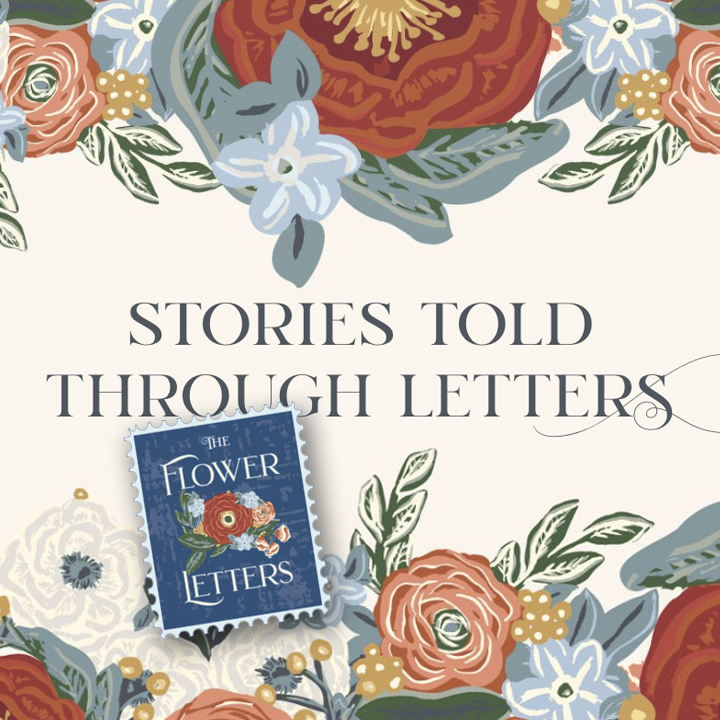
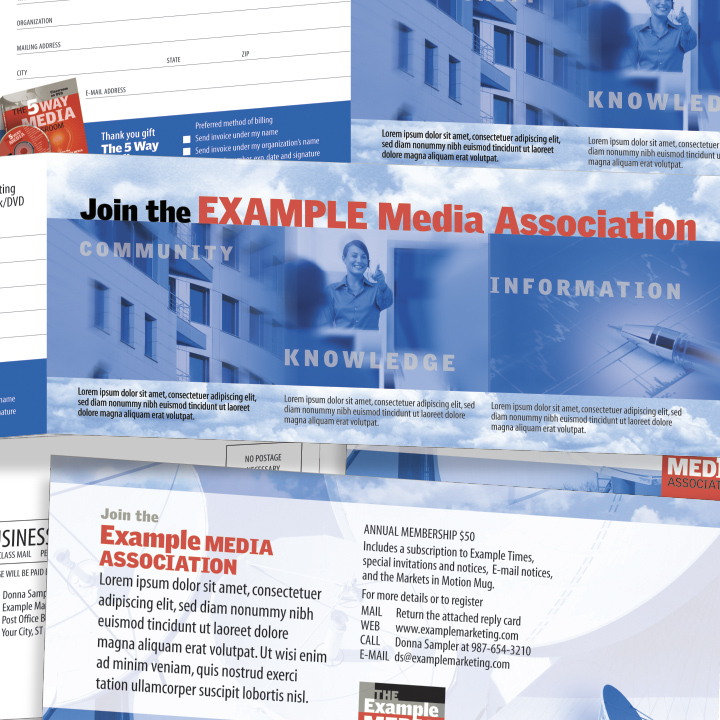
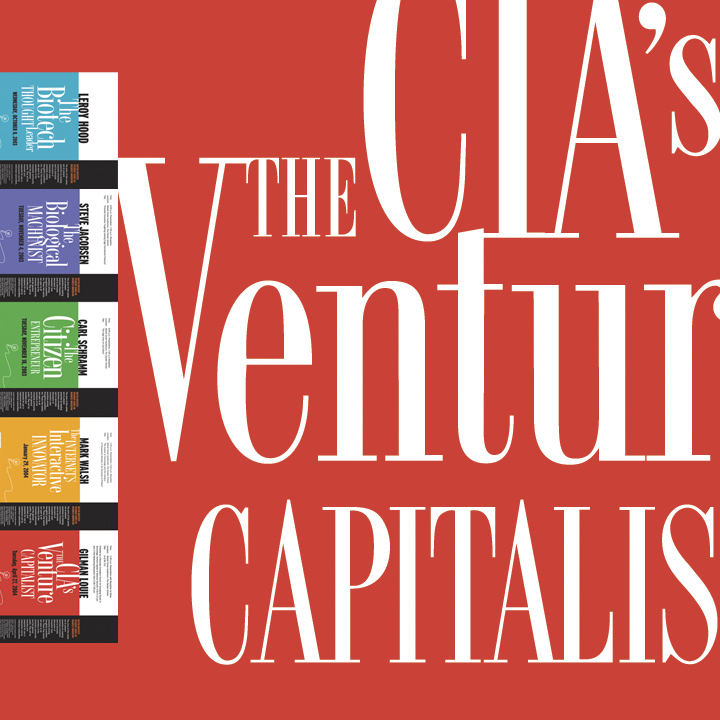
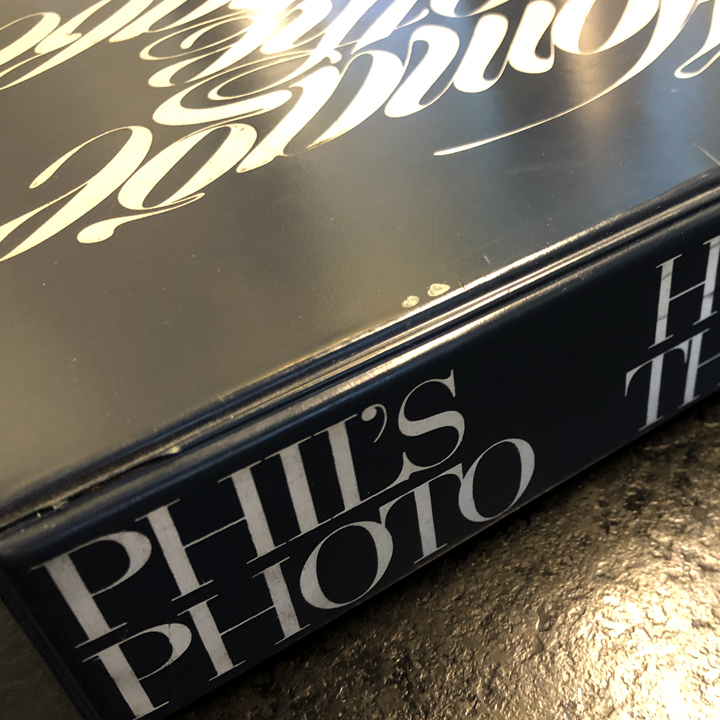
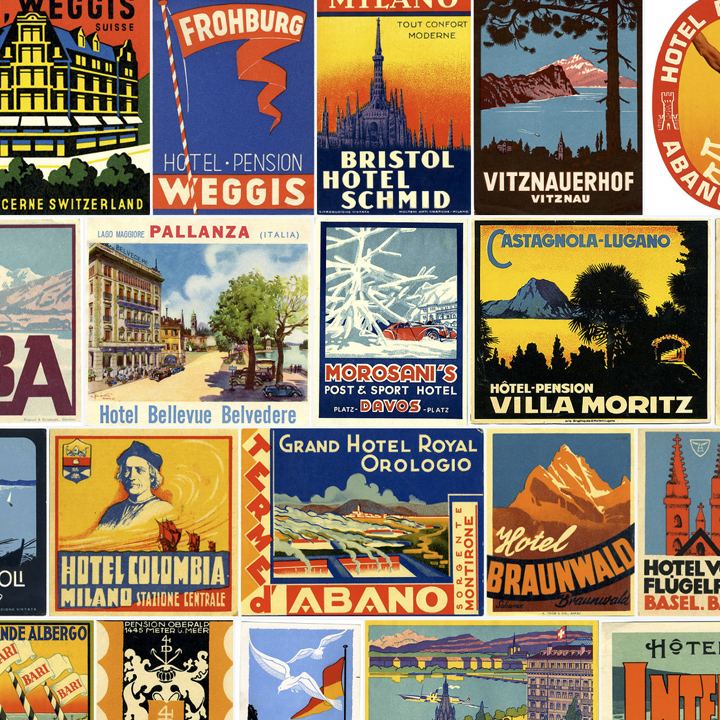
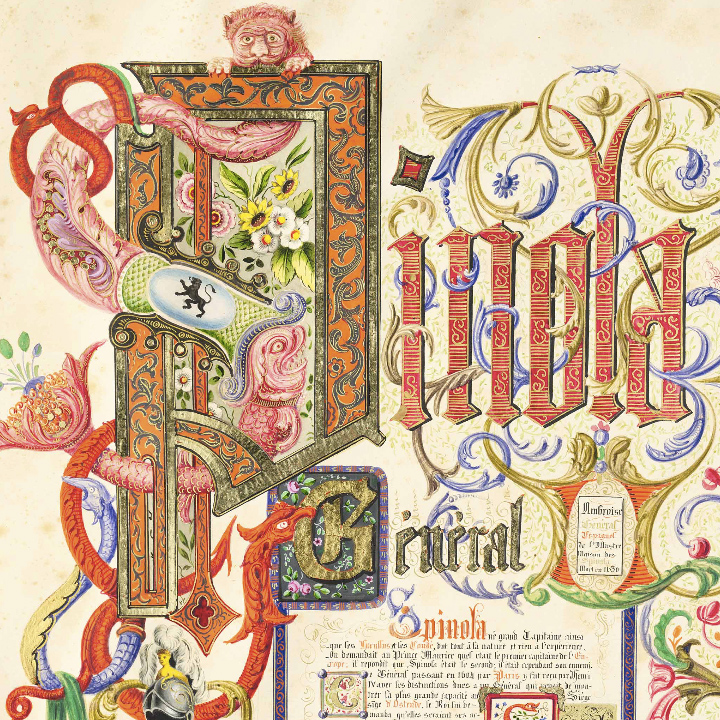
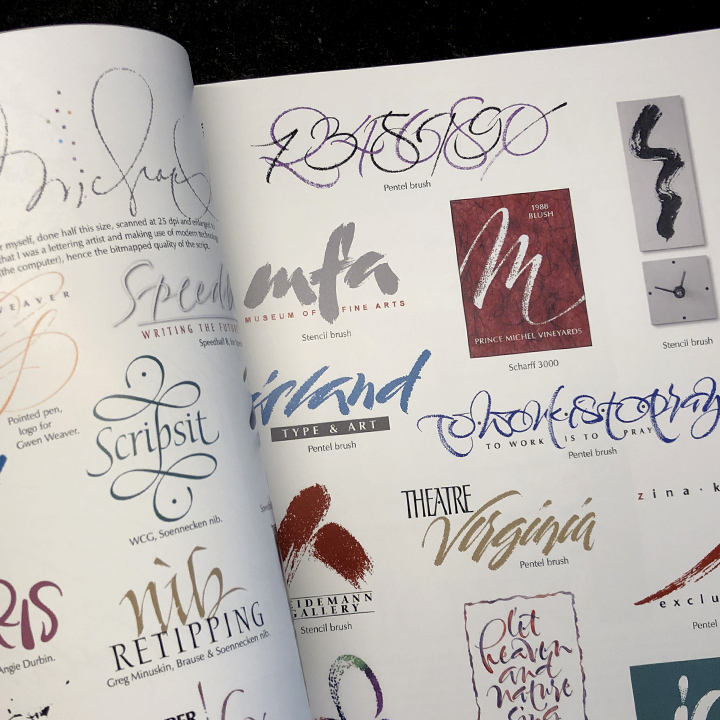
BY CHUCK GREEN The “word works” palette uses vivid colors and the beauty of elegant typefaces to do the job typically delegated to illustrations and photographs. And it is economical.
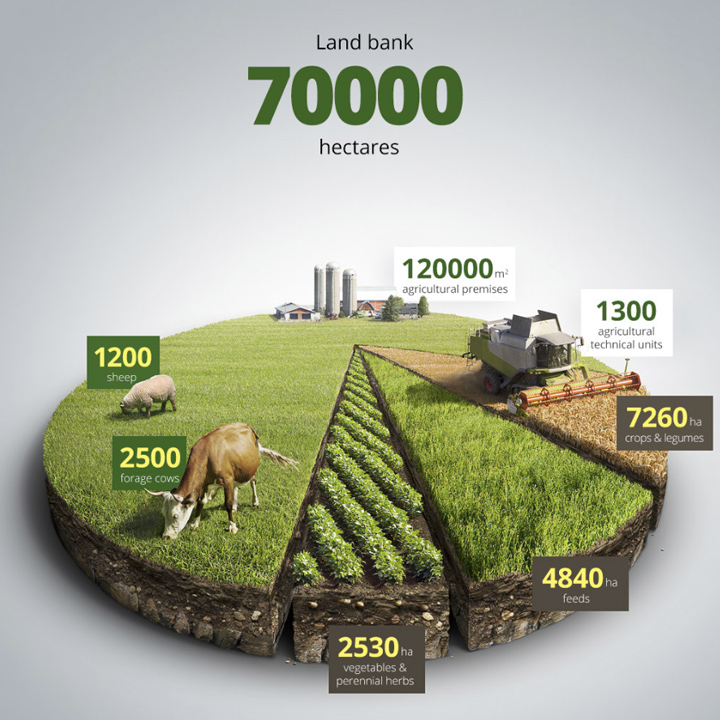
BY CHUCK GREEN Sometimes the easiest way to explain the product or service is to let the pictures do the talking. In this case they spell out the primary benefits in a way that is easy to digest.
BY CHUCK GREEN What is so cool about design is that there is no such thing as not having enough to work with—budget, space, illustrations, and so on. If there is a limit, it is my imagination. And there's certainly nothing “wrong” with these headlines (figure 1)—but they sure grab more attention after I set them in an imaginary box (figure 2).
BY CHUCK GREEN To “kern” or adjust the space between letters and words (figure 1), try squinting at the text (figure 2) to identify spacing problems. Squinting makes it easier to spot, for example, the tight area between the “o” and the “a” in “goal” and to see how the “y” in “style” is surrounded by enough space to drive a tank through.
BY CHUCK GREEN Stuck for a new look? Try breaking some rules. Instead of surrounding every block of text with a gutter that is equidistant from all edges, try aligning the baseline of the text to the edge of the background (figure 1).
BY CHUCK GREEN Is the primary purpose of document design aesthetic? To my way of thinking—no. The first and, by far, the most important role of design is to map out the message.
The typical computer font includes 256 characters. Upper and lowercase letters, numbers, computer codes, and a variety of characters for composing non-English text take up the majority of the available slots. But have you ever wondered what the rest of the characters are for?
BY CHUCK GREEN My idea books include a section devoted to commissioning work from illustrators and photographers. I said there and repeat here that artwork commissioned for a specific project has an impact like nothing else can—it makes the publication uniquely yours.